Edit a Matter
To edit a matter:
-
Select Tables > Clients to open the client window.
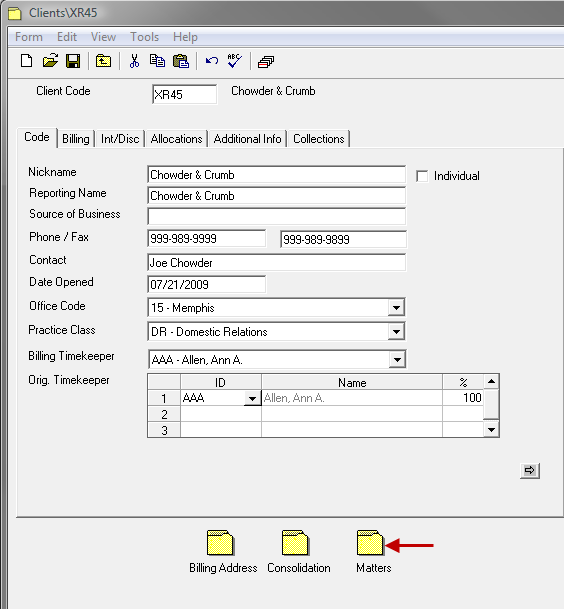
- Select the appropriate client record.
-
Click on the Matter icon on the bottom of the Client form.
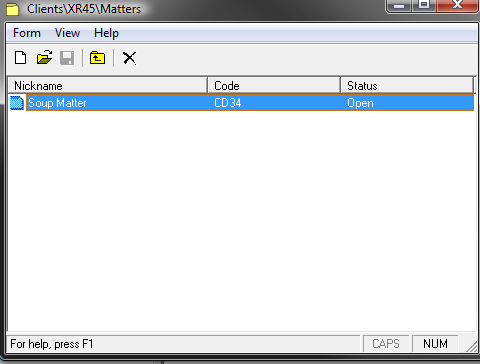
- Select the appropriate Matter from the Matters list.
- Make any necessary modifications desired.
-
Spell Check the form using any of the following options:
- Click the Spell Check icon.
- Select Form > Spelling from the toolbar.
- Use the keystroke shortcut F7.
-
Save the changes by using any of the following options:
- Click the Save icon.
- Select Form > Save from the toolbar.
- Use the keystroke shortcut Ctrl + S.