Use the Chart of Accounts Look Up form
When using the Chart of Accounts advanced features, you can use the Chart of Account Look Up form to make changes to other accounts without exiting the form and launching the separate account.
To use the Chart of Accounts Look Up form:
-
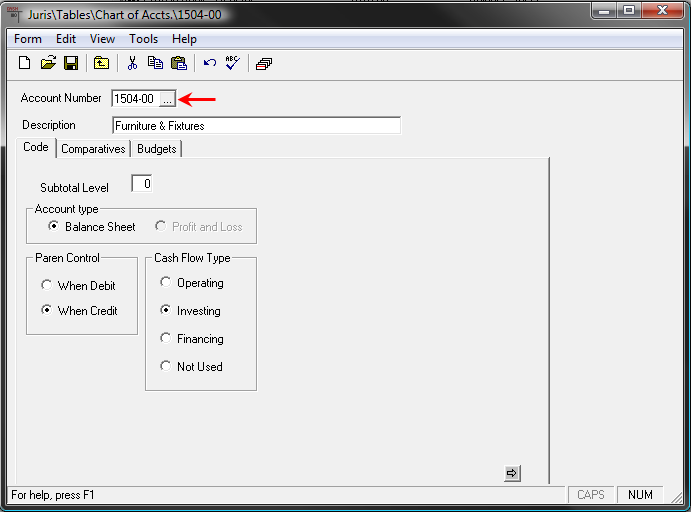
Click the Account Number ellipses button while viewing an account.
-
There are two distinct tabs that provide different views.
Note
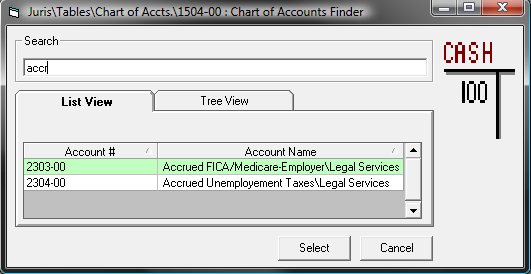
You can use the Search field to query for the appropriate account. Enter the search criteria. Since the Search field is incremental, the results will be immediately narrowed by each criterion entered. See Figure 1.1
- List View - This is the default view that provides the accounts in linear fashion. You can click on the two column headers, Account # or Account Name, to provide simplistic sorting. See Figure 2.0
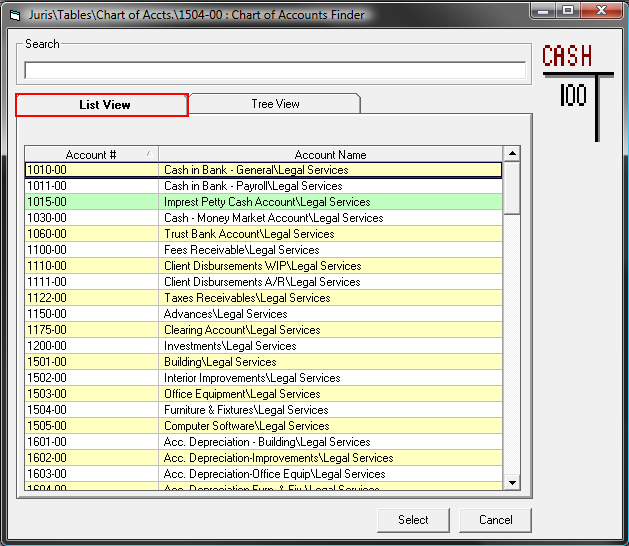 Figure 2.0
 -
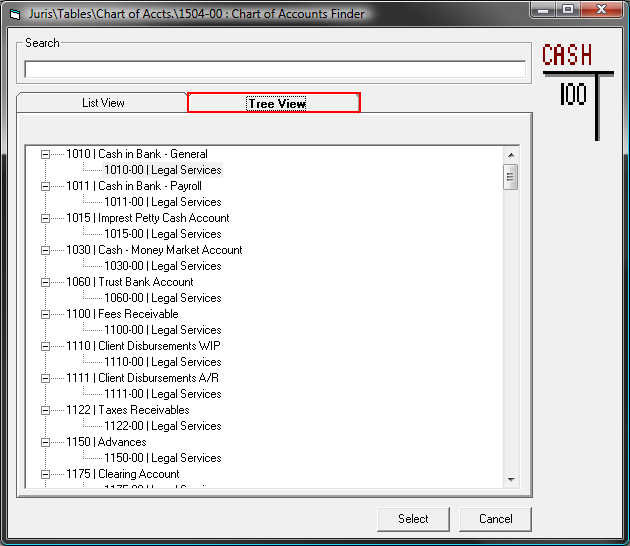
Tree View - This provides an expanded view of the accounts displaying the associated the Sub Accounts. The Sub Accounts are to be selected, not the main accounts. See Figure 3.0
- Click the Select button. You will be returned to the Chart of Accounts window.
- If you utilized the List View, you can click on the ellipses button a second time to bring up the associated Sub Accounts. See Figure 4.0
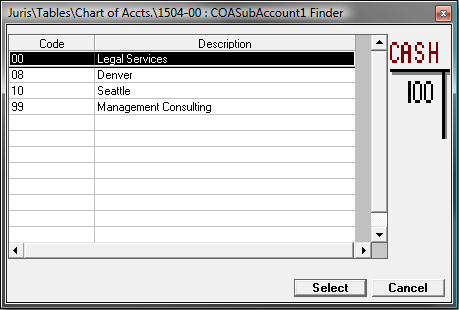 Figure 4.0
 - Choose a Sub Account and click the Select button.
- Make changes to the account details as required.
- Click the Save button to commit the changes.
- List View - This is the default view that provides the accounts in linear fashion. You can click on the two column headers, Account # or Account Name, to provide simplistic sorting. See Figure 2.0